Stop bulky JPEGs: switch to WebP and AVIF today, your SEO will thank you
In 2026, serving raw JPEGs/PNGs is like delivering by horse and cart. WebP and AVIF cut the file size, keep the quality and boost SEO. In this article: best practices, compatibility, a <picture> snippet and expert tips from Wecode for web performance that really delivers.

Bruno Studer
Founder & Director
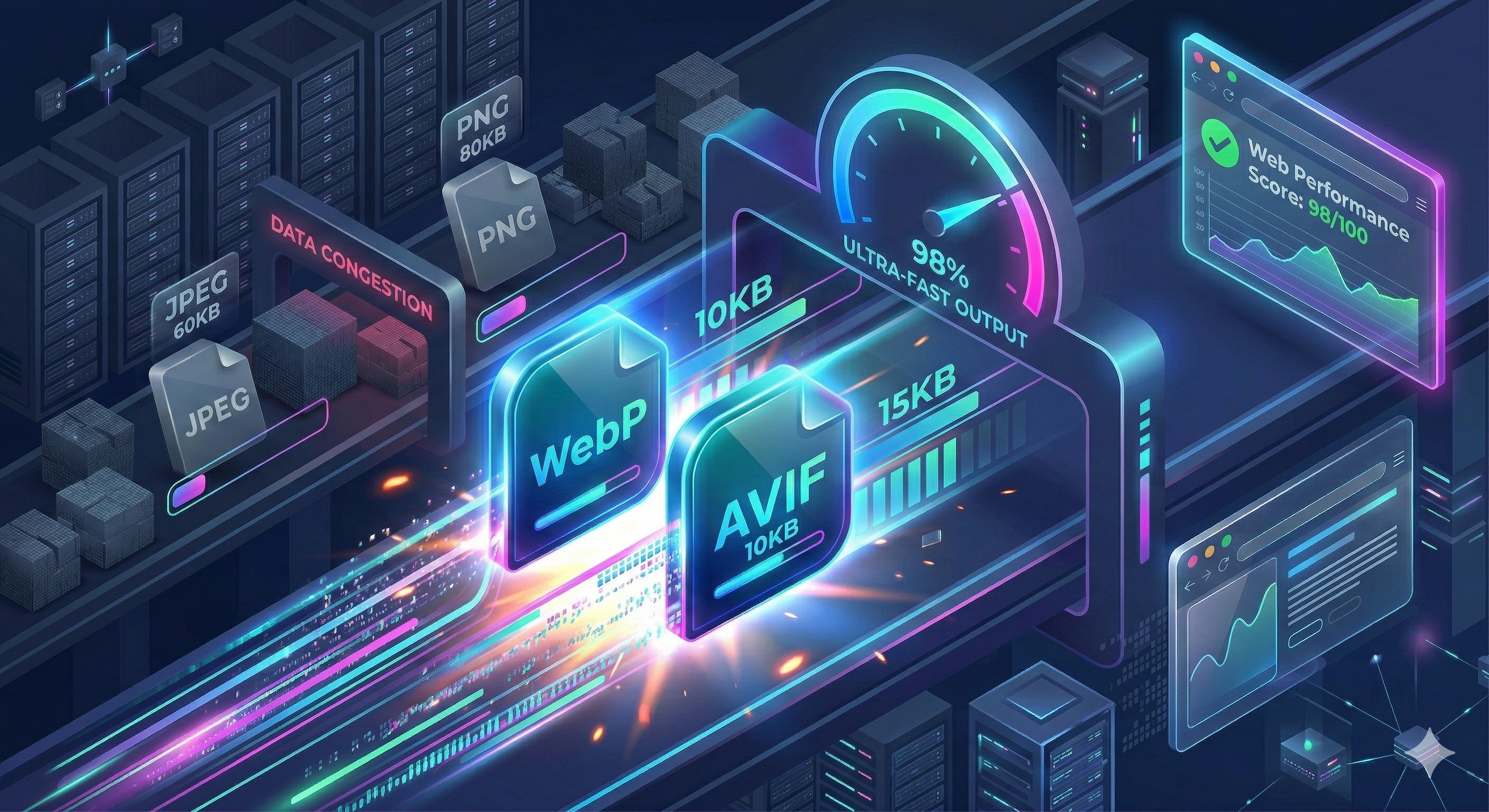
Are your images too heavy, is your LCP dragging its feet and is Google giving you a disapproving look? It's time to let JPEG/PNG rest and switch to WebP and AVIF. Two modern formats, one mission: spot-on quality with a featherweight file size. The result? A site that flies, and an SEO score that smiles.
The duo that lightens the load without sacrificing quality
WebP and AVIF are designed to compress better than JPEG/PNG, while keeping great sharpness. Both handle transparency (alpha). WebP can also animate (yes, like a GIF, minus the bulk). AVIF adds premium features: HDR, wide gamut and even greater efficiency at equivalent quality.
WebP in a nutshell
Better compression than JPEG/PNG, with alpha and animation.
Very wide browser support (recent Chrome, Edge, Firefox, Safari).
Fast encoding, ideal for most web visuals.
AVIF, the little prodigy
Up to 30–50% lighter than JPEG at equal quality (often better than WebP).
Supports HDR and higher colour depth.
Slower encoding, but perfect for premium visuals, hero images and banners.
Real gains for SEO… and for business
Lighter images mean a lower LCP, Core Web Vitals in the green and better conversion. On an e-commerce site, switching to the AVIF/WebP duo can shave hundreds of KB off each page. Less waiting = more clicks, more shopping carts. In web development, ignoring this in 2026 is like shipping code on a floppy disk.
How to implement them properly (with a fallback)
Use the <picture> element to serve AVIF first, WebP second, and a JPEG/PNG as a fallback. Add responsive sizing and lazy-loading:
Optimisation best practices
Responsive everywhere: properly set
srcset+sizes.Lazy-load everything except the hero image; for that one, consider preload.
Controlled quality: WebP q=75–85, AVIF cq-level/quality adjusted after visual tests.
Automation via build/CI (Sharp, Squoosh CLI, ImageMagick, CMS plugins).
Image CDNs (Cloudflare, Imgix, Cloudinary) for on-the-fly encoding and resizing.
And what about compatibility?
Good news: WebP and AVIF are now supported by all modern browsers (including recent Safari). With the <picture> approach above, the rare old browsers will receive the JPEG/PNG. Bottom line: no risk, just measurable gains.
Need a hand stepping up a gear?
At Wecode, we love pairing web performance with digital communication. We automate AVIF/WebP encoding, fine-tune your Core Web Vitals to the millimetre and tie it all together with your SEO. Whether it's for a brochure website or an e-commerce site, we'll get you into orbit. Shall we talk about it?
Why this article?
Switching to WebP and AVIF saves precious loading seconds, with a direct effect on user experience and SEO. At Wecode, we don't just write about it: we implement and we measure. From automatic AVIF/WebP generation to <picture> integration, through LCP tuning and monitoring, we help our clients steadily improve their results. If this article has caught your attention, imagine what our developers could do for your site.
This article was written by the Wecode team with the help of artificial intelligence tools, then reviewed and approved by our experts.
Keep reading



Join our newsletter
By joining the Wecode newsletter, you'll regularly receive our news and tips on web, communication and design.